
Real-time speed
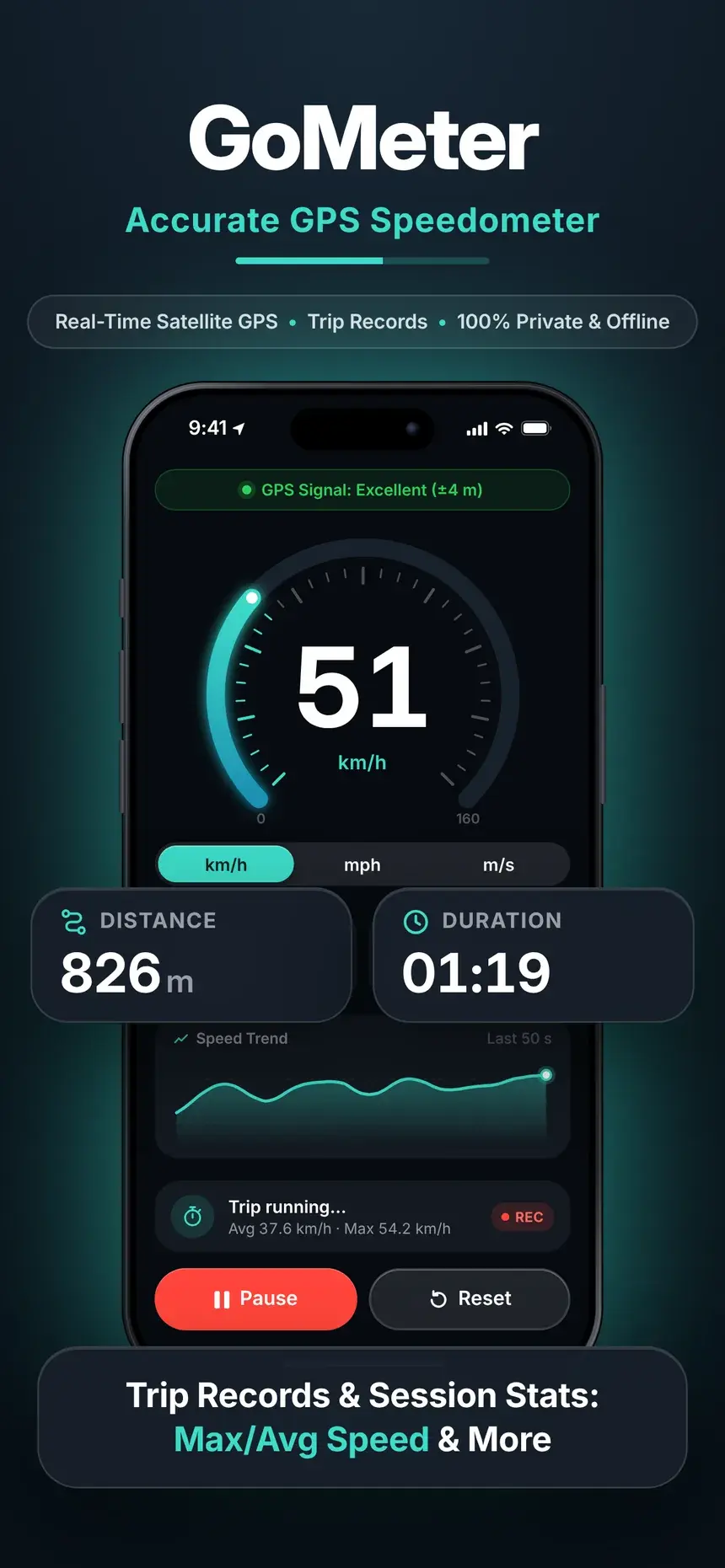
Direct satellite GPS gives you a fast, responsive speed readout. A live signal bar shows the current accuracy, for example ±4 m.
Free on iPhone & Android
GoMeter turns your phone into a precise speedometer and trip tracker for driving, cycling, running and more. It works offline, needs no account, and your trips never leave your phone.

Distance
826m
Duration
01:19
Features
A clean, high-contrast speedometer with detailed trip stats, designed for quick and safe glances on the go.
Direct satellite GPS gives you a fast, responsive speed readout. A live signal bar shows the current accuracy, for example ±4 m.
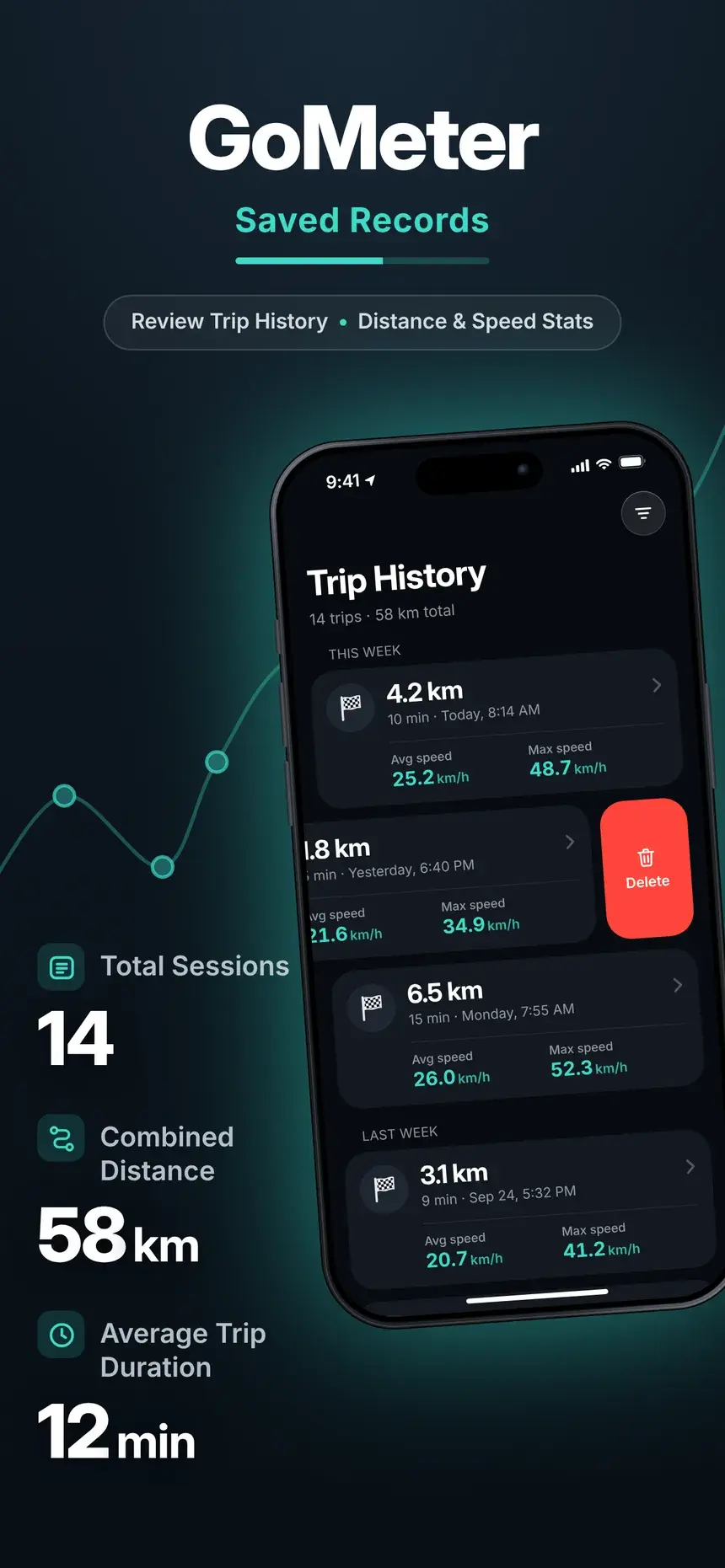
Start, pause, resume and finish. Every trip saves distance, duration, moving and idle time, top, average and moving-average speed, and pace.
See how your speed and altitude changed along the way. Pinch to zoom into any moment, double-tap to reset.
Keep tracking with the screen off. On iPhone your speed stays on the Lock Screen and in the Dynamic Island; on Android a notification gives you Pause, Resume and Finish.
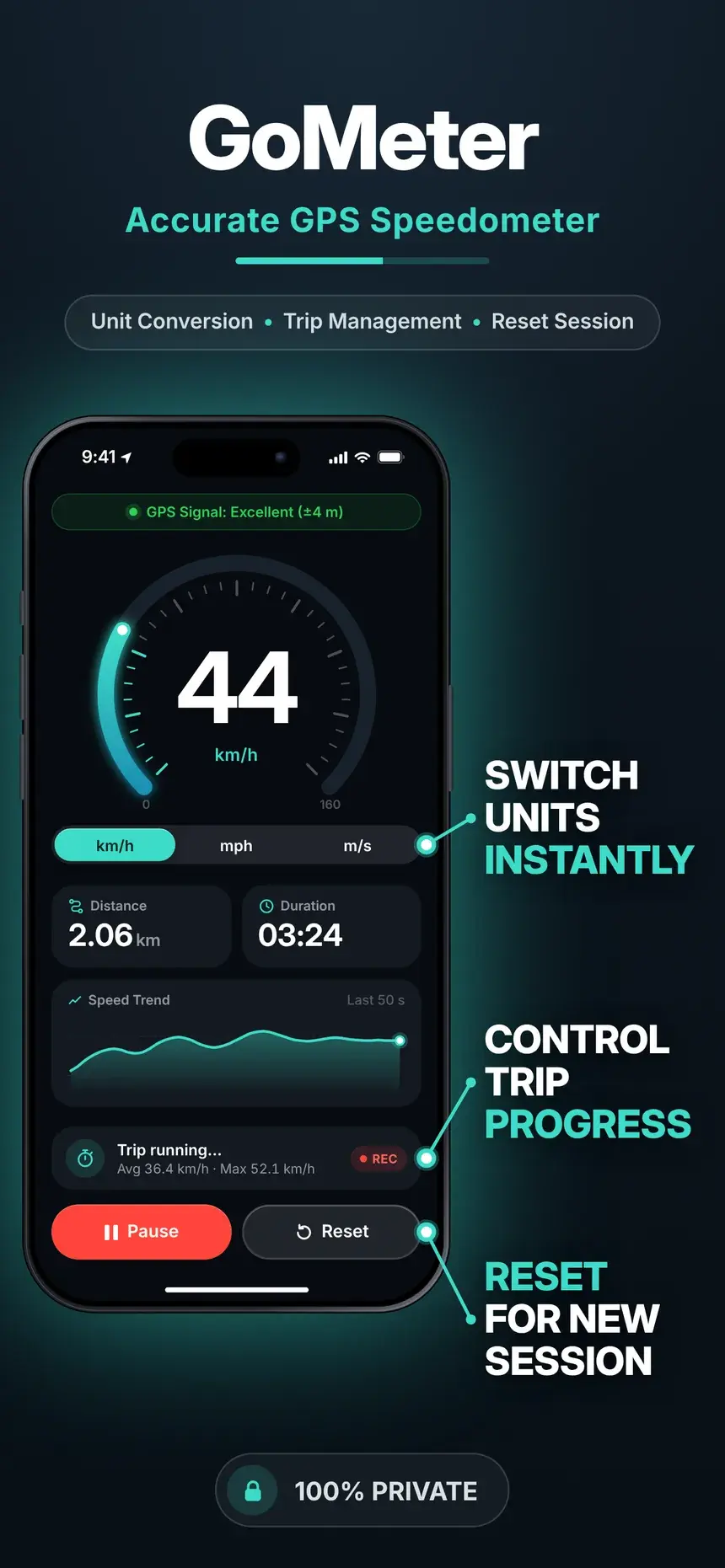
Switch instantly between km/h, mph, knots and m/s. Distance and elevation follow in kilometers or miles, meters or feet.
No signal, no data plan, no problem. Speed, tracking and trip history work anywhere using only your phone’s GPS.
Always know which way you’re heading with the built-in compass.
Proud of a trip? Share its stats with friends in a couple of taps.
Large, high-contrast numbers and a clutter-free layout you can read in a split second.
For every journey
From the daily commute to a weekend on the water: if pace and distance matter, GoMeter measures it.
How it works
No sign-up and no setup. Open the app and go.
Open GoMeter, tap Start tracking and allow precise location. The GPS bar tells you when the signal is good.
Drive, ride, run or sail. Pause for breaks, and keep tracking with the screen off.
Tap Finish to save. Open the trip in Trip history for full stats and the speed and elevation profile.
Privacy first
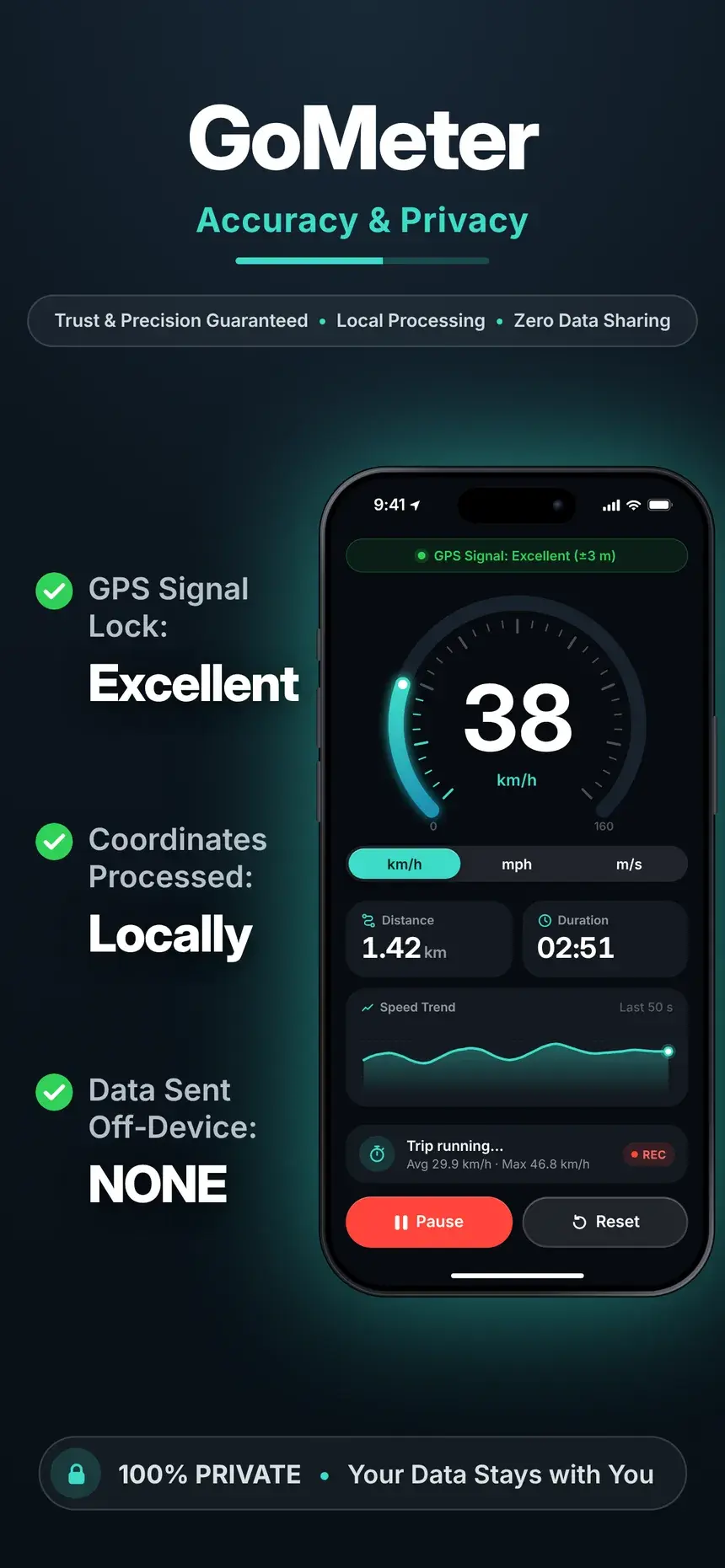
Unlike most tracking apps, GoMeter processes your location on the device. There is no account to create, and your routes are never uploaded, sold or shared.
Read the privacy policySpeed, routes and trip history are processed and stored only on your phone.
Open the app and start tracking. We never ask who you are.
We don’t sell your data or share it for advertising.
Tracking needs only GPS: no mobile data, no servers, no sync.
Screenshots
A focused, dark interface designed to be read at a glance.
FAQ
The quick version. Find everything else in the help center.
Yes. GoMeter is free to download on the App Store and Google Play, and you don’t need an account to use it.
GoMeter calculates speed directly from satellite GPS, which is usually closer to your real speed than a car speedometer (those are built to read a few percent high). Accuracy is best outdoors with a clear view of the sky, and the GPS bar always shows the current accuracy.
Yes. Speed, tracking and trip history all work offline. GoMeter only needs your phone’s GPS.
Yes. On iPhone your speed is shown on the Lock Screen and in the Dynamic Island. On Android, a notification lets you pause, resume or finish the trip.
No. Your location is processed on your phone and your trips are stored only on your phone. GoMeter has no accounts and doesn’t upload your trips anywhere.
iPhone with iOS 26 or later, and Android phones with Android 10 or later.

Download GoMeter for free and start your first trip in seconds.
Scan to downloadPoint your phone’s camera at the code to open the right store.
iOS 26 or later · Android 10 or later · Free
 GoMeter